How to lip-sync AI avatars in 80 languages
Lip-syncing your AI avatar into 80 languages used to mean training runs and long waits. LipDub 2.0 just killed both — here's the exact workflow.
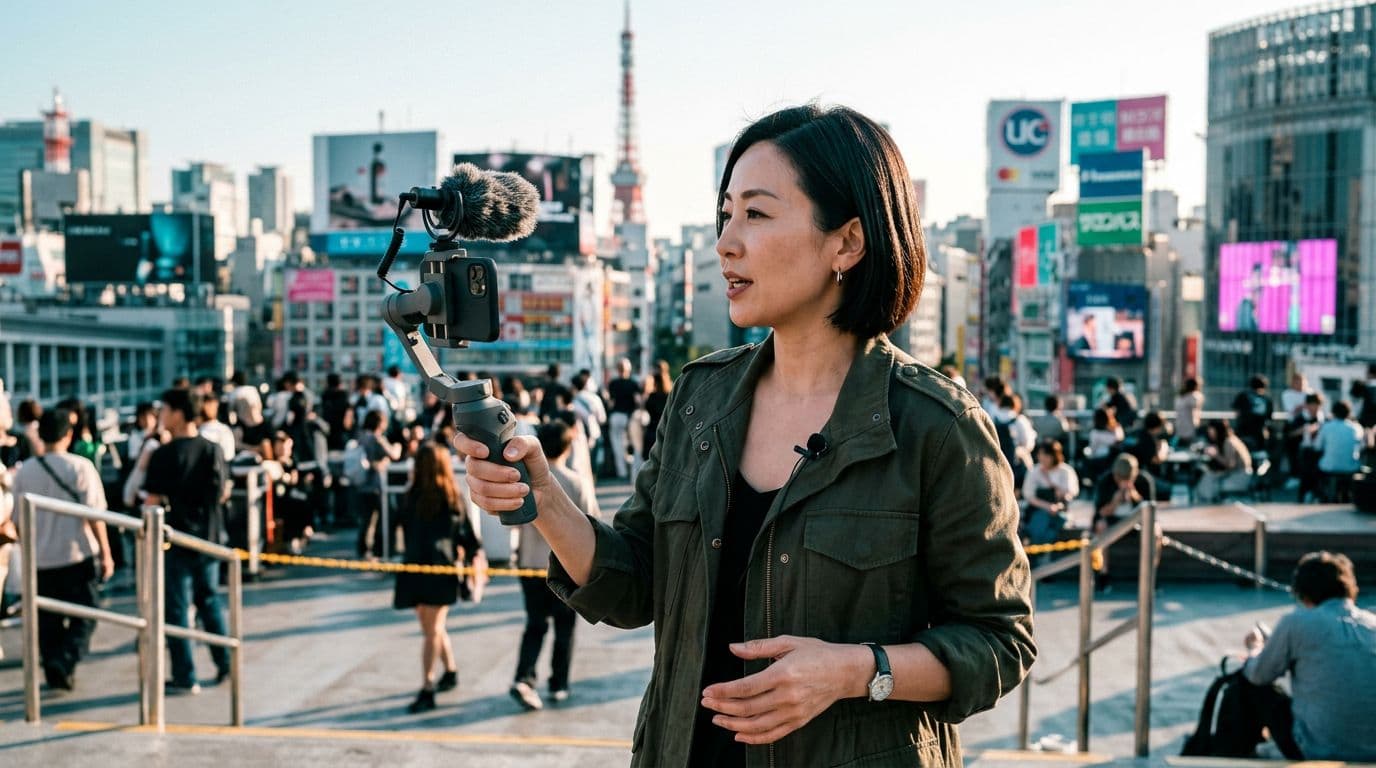
Your finished reel is sitting on the desktop, ready to go. Now you owe your team a Spanish version, a German one, a Japanese one — and you still have four hours. The old lip-sync workflow used to be where those four hours went.
Highlights
LipDub 2.0 skips the training step entirely — you upload, it renders, no per-speaker training fee.
8x faster than LipDub 1.0 on short-form clips up to 2 minutes at 1080p.
80+ languages, and it stops breaking on the shots that used to kill lip-sync: side profiles, three-quarter turns, a hand in front of the mouth.
What LipDub 2.0 actually changes for creators
LipDub's Sep 2 announcement is small on paper — one new model tier, added alongside the existing LipDub 1.0 lineup (Ultra, Premium, Flash). But for anyone shipping short-form content into more than one market, it rewires the workflow. The old path was preprocess → train on this speaker → render. LipDub 2.0 is submit → render. Nothing in between. That's where the 8x comes from.
The trade-off is scope. LipDub 2.0 is capped at 2 minutes, single speaker, up to 1080p. Long-form courses and multi-speaker interviews still route to LipDub 1.0, which isn't going anywhere. But that 2-minute box covers almost everything a creator ships to Instagram, TikTok, YouTube Shorts, LinkedIn — the videos you actually make on Tuesday for a Wednesday deadline.
Receipts: LipDub 2.0 announcement, Sep 2, 2026.
How to lip-sync AI avatars into 80 languages
The following images were generated using Nano Banana 2:
Start with a single-speaker cut under 2 minutes. LipDub 2.0 is engineered for the short-form box: one person on camera, under 120 seconds, up to 1080p. If your source is longer or has a second voice, split the clip first — dub the pieces, stitch after. Don't hand LipDub 2.0 a two-speaker interview; that's where LipDub 1.0 still wins.
Stop hiding the hard angles. Old lip-sync models needed you to keep the mouth in frame and the head roughly facing camera. That's why so many AI-dubbed reels look worse than the English cut — the model chokes the second the creator turns. LipDub 2.0 was trained on the frames that used to break: three-quarter turns, side profiles, hands crossing the mouth, a mic held up close. Keep the shots you actually made; don't re-cut them into safer angles.
Get your translation right BEFORE the lip-sync render. With training-based models, iterating your script meant paying a training fee every time. With LipDub 2.0, every render costs the same per-minute rate as any other. Take two translations of the German version. Ship the Spanish opening as an A test. This is where the workflow actually changes — iteration stops being a luxury.
Batch every language run at once. With training removed, the submit-to-see-it loop collapses to minutes. Queue every language you want at the same time through the app or the API, and review them together on the same call. Compare pacing, catch mistranslations, decide which openings A/B — do it in one sitting instead of spread over three days.
Save LipDub 1.0 for the long stuff. Two speakers, 30-minute course, high-detail texture work? Ultra, Premium, and Flash stay online, unchanged, at the same price. LipDub 2.0 isn't a replacement — it's a new lane. The rule of thumb LipDub gives you: under 2 minutes and one speaker, 2.0; anything else, 1.0.

Prompt: Close-up of a modern video editor UI on a widescreen monitor showing a colorful lip-sync waveform with country-flag chips arrayed above a talking-head thumbnail, cool teal + neon magenta palette, bright ambient key light + neon rim light, no human in frame, professional editing bay. Editorial photography, sharp focus, high detail, well-exposed, no text overlays, no logos.

Prompt: Mid-20s Brazilian male creator on a bright city street at magic hour with warm/cool split lighting, warm amber + teal palette, phone on a small tripod with a lav mic clipped to his shirt, mid-take recording a talking-head clip in three-quarter profile. Editorial photography, sharp focus, high detail, well-exposed, bright.
Why training-free matters more than 8x
The interesting part isn't the 8x — every generative model gets faster eventually. It's what training-free unlocks upstream: creators can now say yes to markets they used to say no to. Localizing to nine languages for a paid campaign was previously a $X per-speaker-training × 9-language decision that most solo creators skipped. Now it's the same per-minute rate as the English render, and you find out what works before the deadline instead of after.

Prompt: Bright film-set green room with a wardrobe rack, ring lights, headphones on a stand, and magenta + cyan neon signage on the wall, no human in frame, environment as subject, cool teal + neon magenta palette. Editorial photography, sharp focus, high detail, well-exposed, bright.
The bottom line
LipDub 2.0 changes the math on short-form localization. If you ship under 2 minutes to more than one market, the workflow — and the economics — just changed. But lip-sync only pays off when the face is already locked. If you want an AI avatar you actually own, one identity you can dub into every language you sell in, start with your own avatar — then let LipDub 2.0 do the multiplying.
FAQs
Q: Does LipDub 2.0 replace LipDub 1.0?
No. LipDub 1.0's Ultra, Premium, and Flash tiers stay online at the same pricing. 2.0 is an added lane for short-form; 1.0 is still the answer for long-form, multi-speaker, and detail-heavy work.
Q: What's the length and quality cap on LipDub 2.0?
Up to 2 minutes, single speaker, up to 1080p. All 80+ languages LipDub already supports.
Q: Does it cost more than 1.0?
No — same per-minute rate as every other LipDub model. What goes away is the one-time training fee per speaker that Ultra and Premium add.
Q: Will lip-sync still fail on side profiles?
LipDub 2.0 handles side profiles, three-quarter turns, and mouth occlusions (hands, mics, product) natively, without the flickers that used to make one bad frame kill the whole clip.
Q: Can I use it through an API?
Yes. It's live in the LipDub API with the same eligibility rules as the app. In the app it's preselected by default for eligible short-form video in Translation and Dialogue Replacement project types.